


Spectrum FX turns any track into a cinematic music visualizer — an audio reactive video maker built for creators, DJs, and VJs on iPhone and iPad. Load a song from your library or player, stack waveform and equalizer layers, add particle and fluid FX locked to the beat, then export polished loops for TikTok, Instagram Reels, and stage visuals. Browse community presets, save your own looks, and visualize music with trippy frequency-driven motion that feels alive on every screen.
Audio reactive canvas
Visualize music
with every beat
Spectrum FX listens to your player output and drives waveform bars, equalizer bands, particles, and fluid FX in real time. Stack layers, tweak parameters, and craft a trippy look that matches trap, EDM, hip-hop, or ambient — whether you are previewing on headphones or performing as a DJ or VJ.
Frequency analyzer
Real-time frequency analysis drives color, scale, and motion — a true audio reactive visualizer, not a static loop.
Beat-synced motion
Beat grid tools keep particles and FX hits aligned with kicks and snares for punchy social clips and live visuals.
Layer composer
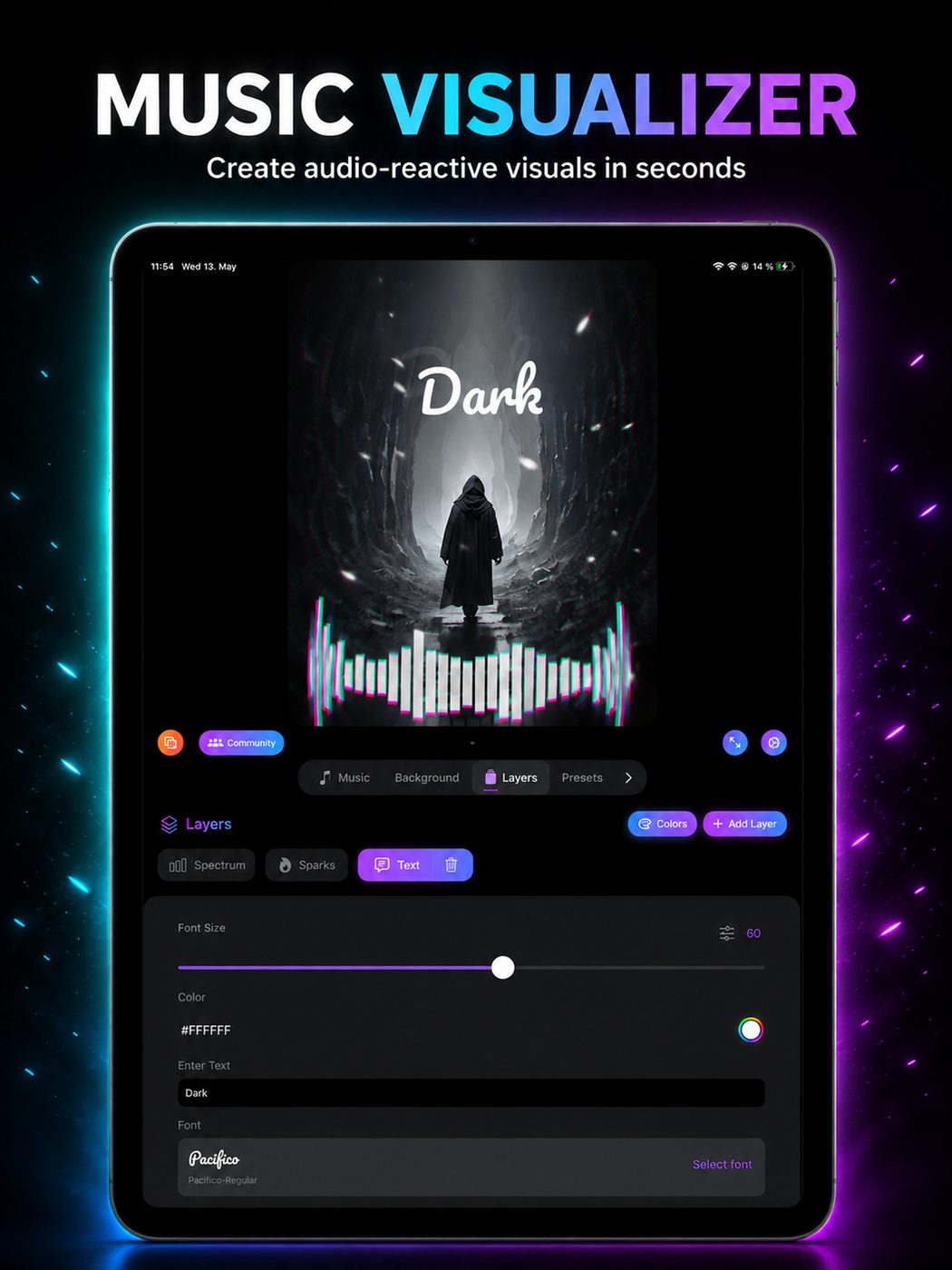
Blend waveform, equalizer, and particle layers like a mini VJ rig — visualize musica with depth and contrast.
Built-in player
Load tracks from your library and visualize instantly — no desktop pipeline required on iPhone or iPad.
Export & share
Audio reactive
video maker
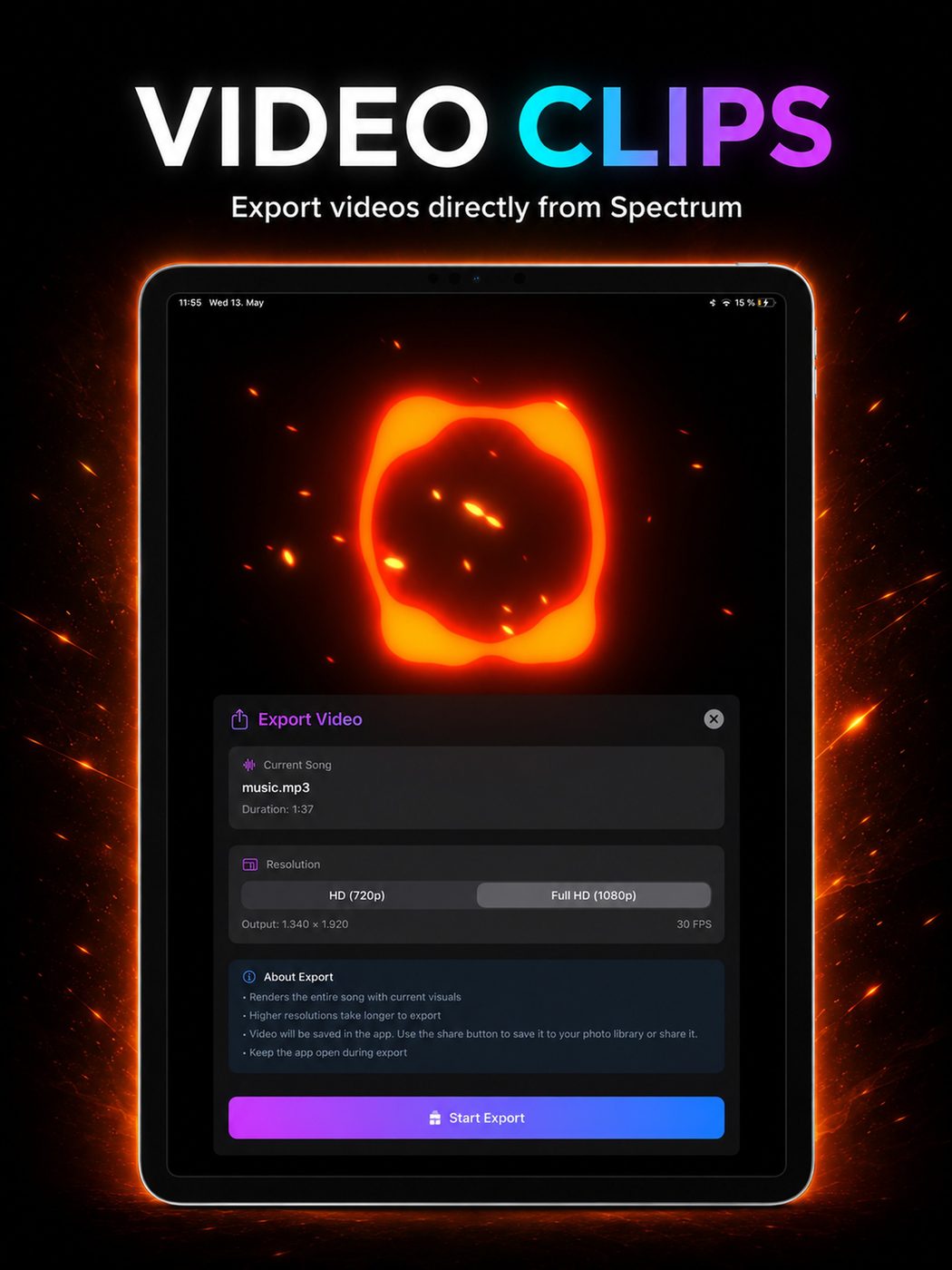
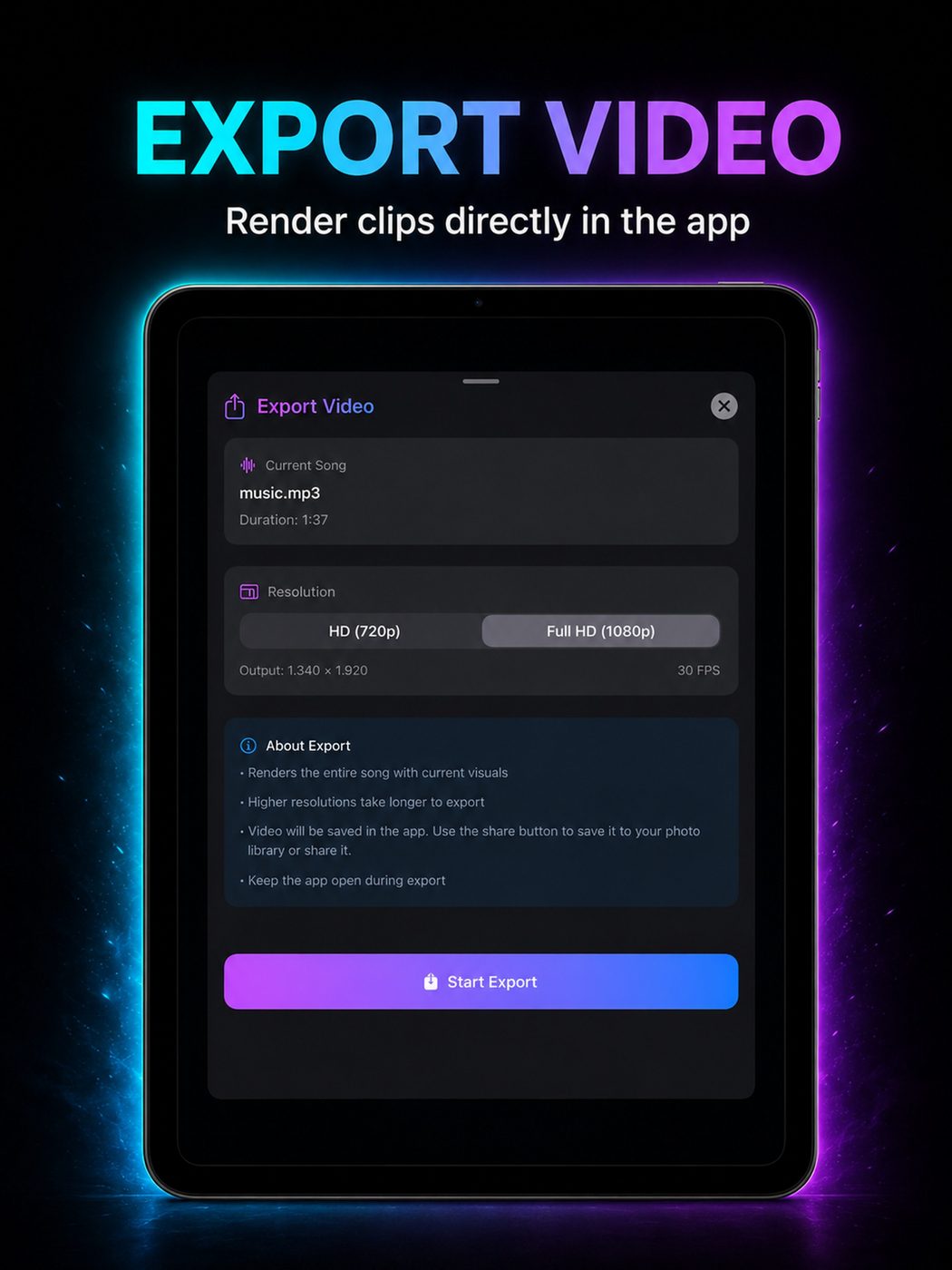
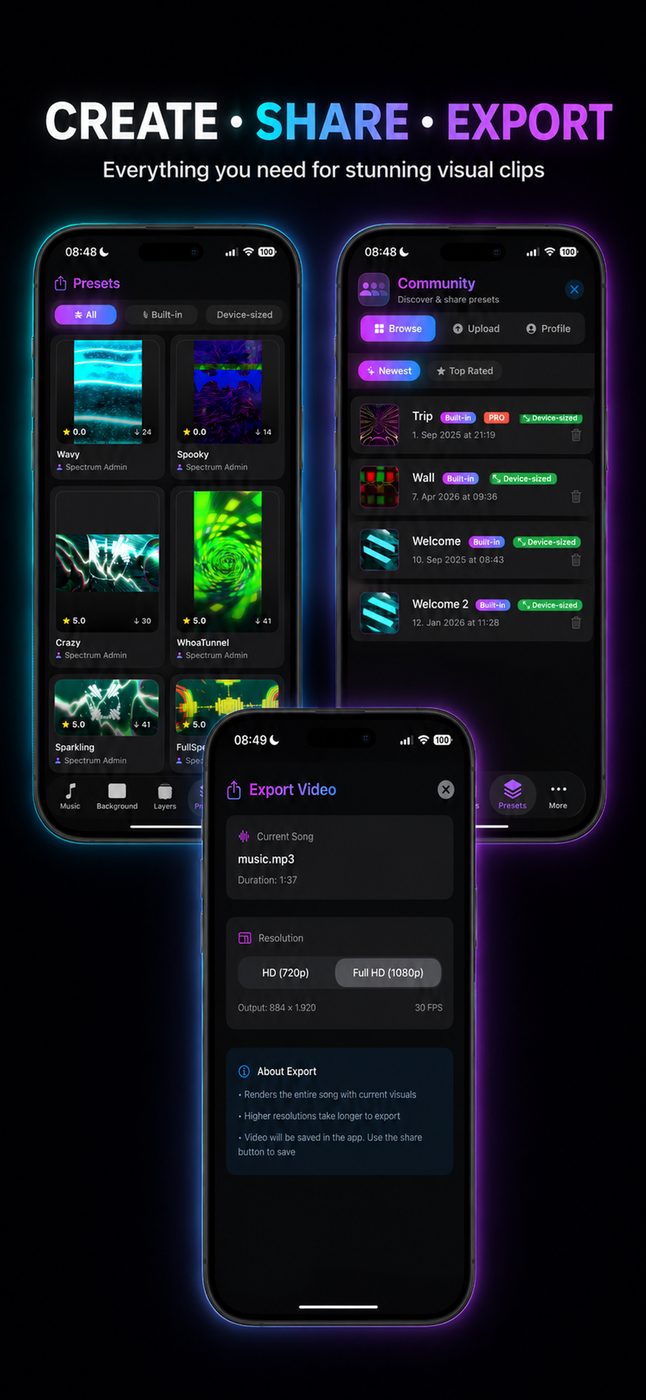
Export your creations as video — choose resolution and aspect ratio for TikTok, Instagram Reels, YouTube Shorts, or widescreen streams. Record a loop, drop it on your feed, or hand clips to a VJ for stage playback. Spectrum FX is the visualizer app built for viral-ready content and release promos.
Social & viral clips
TikTok & IG
visualizer content
Short-form platforms reward motion that pops in the first second. Spectrum FX exports vertical audio reactive video with waveform, equalizer, and particle FX tuned for Reels and TikTok — the same visual language fans expect from trap-style channels and indie release promos, without a desktop editor.
DJ & VJ workflow
Live visuals
from your iPad
DJs and VJs use Spectrum FX as a lightweight visualizer player — beat-synced loops and layered FX for booth previews, stream overlays, or backup stage visuals. Pair exported clips with full VJ software, or perform directly from the app when you need fluid, frequency-driven looks fast.
Showcase
From headphones
to viral feeds
Whether you are visualizing a demo, finishing a release package, or cutting trippy particle clips for TikTok — Spectrum FX is built to look incredible on every screen.
A music visualizer app for creators, DJs, and VJs
Searching for a music visualizer that goes beyond a single waveform? Spectrum FX (Music Visualizer — Spectrum FX on the App Store) is an audio reactive video maker for iPhone and iPad: load a track, stack equalizer and particle layers, sync motion to beats, and export loops ready for TikTok, Instagram, Spotify Canvas-style promos, and live DJ visuals. It sits alongside apps like Avee Player, Staella, and Vibely — but as a native iOS visualizer with community presets and PRO video export.
Whether you spell it visualizer or visualizador, the workflow is the same: visualize musica with trippy frequency-driven FX, save presets, and share clips. Use the built-in player for instant sessions, or prep exported loops for a VJ stage rig. From bedroom producers to club DJs, Spectrum FX keeps the focus on audio reactive motion — waveform, analyzer, particles, and fluid FX in one app.
Waveform, equalizer, particles & beat-synced export
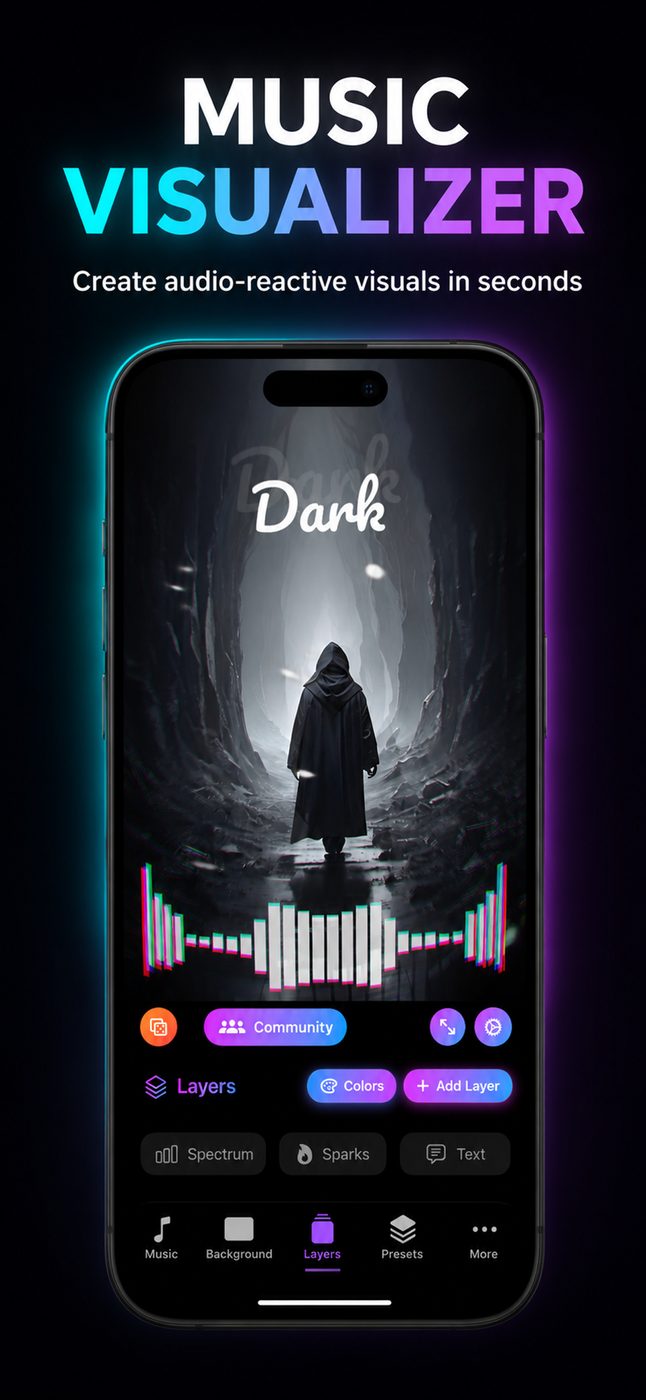
Core layers include classic waveform and equalizer views, a real-time frequency analyzer, and particle and fluid FX you modulate by hand or lock to the beat grid. Compose dense looks for trap and EDM energy or strip back to minimal spectrum bars for lo-fi and ambient — then record an audio reactive video in the aspect ratio your platform expects.
Spectrum FX is free to download with PRO unlock for recording, advanced canvas control, and preset publishing. If you have outgrown static templates or want an iOS alternative to Android-first visualizer apps, start with a community preset, tweak the FX, and export your first viral-ready clip today.
FAQ
Questions about
Spectrum
What is Spectrum FX — is it a music visualizer or video editor?
Spectrum FX is a music visualizer and audio reactive video maker. It analyzes your track in real time — waveform, equalizer, frequency, and beat — drives visual layers and FX, and lets you export the result as a video clip for TikTok, Instagram, streams, or DJ/VJ use.
Can I use Spectrum FX to make TikTok and Instagram Reels visualizer videos?
Yes. Export vertical or square aspect ratios with audio reactive waveform, equalizer, and particle FX baked in. Many creators use Spectrum FX for trap-style promos, release teasers, and viral visualizer content on Reels and TikTok.
Does Spectrum FX work as an Avee Player or Staella alternative on iPhone?
Spectrum FX offers a similar workflow to popular Android visualizer apps like Avee Player — load music, layer FX, export video — plus native iOS performance, community presets, and beat-sync tools. Staella and Vibely users looking for waveform and equalizer control on iPad will find comparable audio reactive features here.
Can DJs and VJs use Spectrum FX for live visuals?
Yes. Beat-synced layers, particle and fluid FX, and loop export make Spectrum FX useful for booth previews, stream overlays, and backup visuals. Export clips to a VJ player or perform directly from the built-in music player on iPad.
Does Spectrum FX support Spotify or only local music files?
Spectrum FX visualizes audio from tracks you load in its player — typically files from your music library. For Spotify playback, record a exported loop synced to your track, or route audio from another app depending on your iOS setup. The visualizer analyzes whatever audio the player receives.
What visual layers are included — waveform, equalizer, particles?
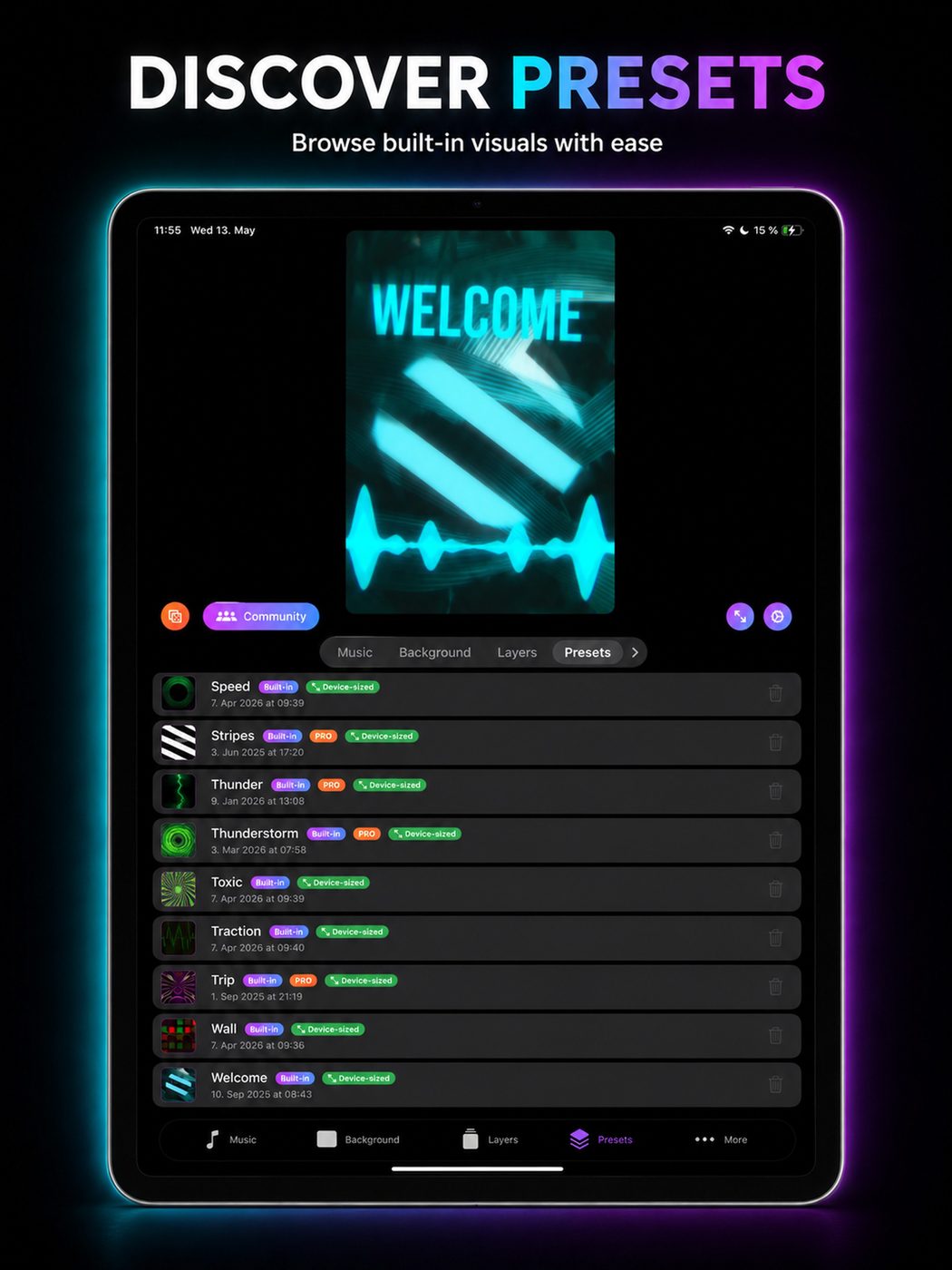
Spectrum FX includes waveform and equalizer views, a frequency analyzer, particle and fluid FX, beat grid tools, and a layer composer for stacking modulators. PRO unlock adds video recording, advanced canvas control, and preset publishing to the community.
Guides & resources
Music visualizer
guides & tips
Learn how to make audio reactive video for TikTok and Instagram, export waveform and equalizer clips, and use Spectrum FX as a DJ and VJ visualizer app.
How to Make Viral TikTok & Instagram Visualizer Videos
Create scroll-stopping music visualizer clips for TikTok and Reels. Audio reactive waveform, equalizer, particles & export tips with Spectrum FX.
Read guide →Audio Reactive Video Maker: Export Waveform & Equalizer Clips
Step-by-step guide to recording audio reactive video with waveform, equalizer, and particle FX. Export for TikTok, streams, and promos with Spectrum FX.
Read guide →Avee Player & Staella Alternative on iPhone: iOS Music Visualizer
Compare Spectrum FX to Avee Player, Staella, and Vibely. Native iOS music visualizer with waveform, presets, beat sync & video export.
Read guide →Trippy Particle Visualizers: Frequency Analyzer & Equalizer FX
Design trippy particle and fluid visuals driven by frequency analysis and equalizer bands. Music visualizer tips for Spectrum FX on iPhone and iPad.
Read guide →DJ Music Visualizer: Waveform, Beat Sync & Booth Visuals
Use a music visualizer for DJ sets — beat-synced waveform, equalizer loops, and exported clips for streams and stage. Guide for Spectrum FX.
Read guide →Music Visualizer for Releases: Player Workflow & Promo Clips
Visualize your own tracks for Spotify promo, Canvas-style snippets, and social loops. Music player workflow and export tips with Spectrum FX.
Read guide →Gallery
See Spectrum
Download Spectrum
Free on the App Store — unlock PRO for video export, presets, and full canvas control.